Choose how clients check in.
Clients can scan a QR code and check in on their own phone, even from the waiting area. There’s no app to download. Put a tablet at the front desk, display a QR code or offer both. You choose for each location.
Clients can check in on a tablet at your front desk or scan a QR code with their phone. Salenza Check-in lets your team know they’ve arrived.
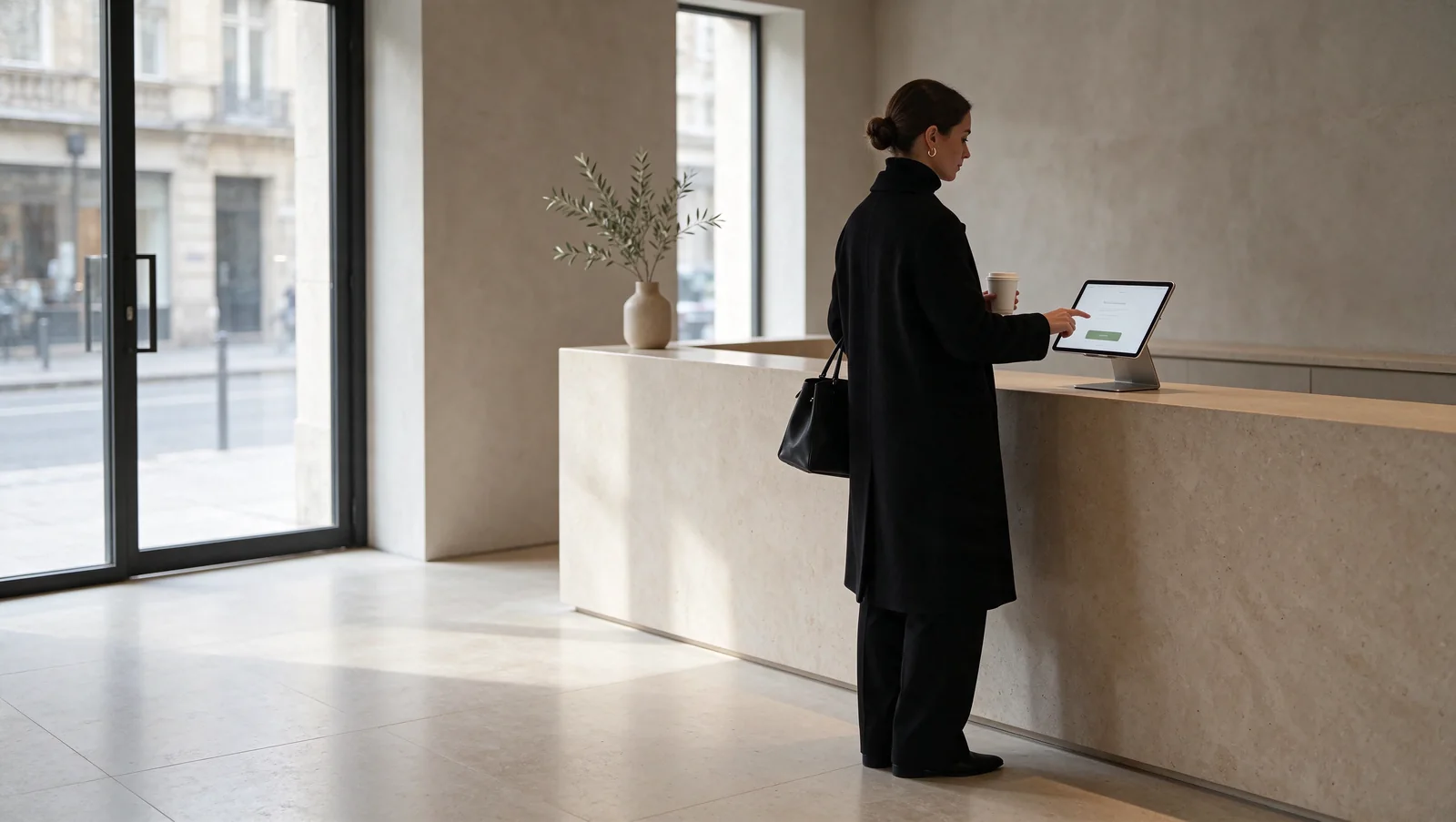

Facial at 14:00. Checked in on the tablet.
See who’s arrived without leaving your client
Clients share their wishes while they wait
Clients get a link to book their next visit
Make Check-in yours with your logo and brand colour
Try the demo as Sanne, who has a facial with Iris at 14:00. Check in on the tablet to see Iris’s notification and the team’s arrivals list.
Lovely to see you. Please check in here.
Your details aren’t saved on this tablet.
Your details aren’t saved on this tablet.
The number you booked with.
Your details aren’t saved on this tablet.
Your details aren’t saved on this tablet.
Your details aren’t saved on this tablet.
No medical information here, please discuss that with Iris.
Your details aren’t saved on this tablet.
Iris knows you're here. Please take a seat.
Your details aren’t saved on this tablet.
No worries, the team will help. Enter your first name so they know you're here.
Your details aren’t saved on this tablet.
Your details aren’t saved on this tablet.
Your details aren’t saved on this tablet.
Your details aren’t saved on this tablet.
The number you booked with.
Your details aren’t saved on this tablet.
Your details aren’t saved on this tablet.
Facial at 14:00. Checked in on the tablet.
 Sanne V.14:00 · Facial · with Irisin 8 min
They use the number they booked with so Check-in can find their appointment.
Check-in shows the time, treatment and practitioner for that appointment. Other clients’ names are never shown.
As soon as the client confirms their appointment, they appear in the arrivals list and their practitioner gets a phone notification. Clients can then answer any optional questions while they wait.
Clients can scan a QR code and check in on their own phone, even from the waiting area. There’s no app to download. Put a tablet at the front desk, display a QR code or offer both. You choose for each location.
Check-in can use appointments from your booking system, so your team doesn’t have to enter them again.
Visitors without an appointment can leave their first name, mobile number and the treatment they want. Your team gets a notification with their request. Visitors can also book an appointment right away.
When a client checks in for their appointment, their practitioner gets a phone notification. The client is also added to your team’s arrivals list.
Tap “On my way” or “Ask to wait” in the arrivals list. Clients who checked in on their phone see your reply. Your team can see who’s still waiting and who is with their practitioner.
If the tablet goes missing, there are no saved client names, phone numbers or appointment details on it.
Clients with an appointment enter the mobile number they booked with. The check-in screen shows their appointment time, treatment and practitioner, without displaying other clients’ names.
Ask whether your client would prefer a quiet appointment or a chat. Their answers appear beside their arrival, ready for the practitioner.
Start with ready-made questions for different treatments, adapt them or write your own. Choose which treatments each questionnaire applies to.
Your team gets the arrival notification before any optional questions, so clients can answer while they wait.
On their phone, clients can ask where to wait, how to connect to Wi-Fi or where to find the toilet. Check-in uses information from your website and FAQs, which you review first.
If Check-in doesn’t have the answer, the client can ask your team for help.
After a treatment, Check-in asks your client to book their next visit and leave a review. You choose how: with a code on the tablet, or with a WhatsApp message.
With the code, your client checks out on the tablet as they leave. They scan the code with their own phone.
With the message, your client gets a WhatsApp message after their treatment. Choose this if clients may forget to check out, or if you would rather not use the tablet for checking out.
Your client books in the booking system you already use.
Get a colour suggestion from your logo, a photo or your website. Preview Check-in on the tablet, then adjust the colour to match your brand. Your logo and chosen colour appear on every screen.
Choose Check-in for client arrivals and practical questions during the visit. Add Salenza for AI replies and appointment booking on WhatsApp, Instagram and email.
For teams that answer client messages themselves.
For teams that want AI to answer messages and book appointments.
Join the waitlist for Salenza Check-in. We’ll email you at launch with pricing details and first access.
Can't find your question? Ask Salenza.
You can use a tablet at the desk, display a QR code for clients to scan with their own phone, or offer both. You choose per location. Clients don’t need to download an app.
Yes. Clients can check in, answer your arrival questions and ask Check-in for practical information during their visit. You and your team continue to answer your WhatsApp, Instagram and email messages. Choose Check-in + Salenza if you’d like AI to answer those messages and book appointments too.
It depends on whether your booking system can share the appointment details and the client’s mobile number. Tell us which system you use so we can check. Without a booking system, your team can add expected clients manually.
Yes. Start with a ready-made questionnaire, edit its questions or create your own. Choose which treatments it applies to. Your team sees the answers alongside the client’s arrival.
With the code, only clients who check out on the tablet get the booking and review code. If clients often forget, choose the WhatsApp message instead. Your client gets it after every treatment, without checking out. If the expected finish time moves back, the message waits too.
Check-in doesn’t ask them to book the same treatment again. If they book after the message has gone out, the link no longer asks them to book that treatment. They can still leave a review.
We haven’t announced a launch date yet. Join the waitlist and we’ll email you when Check-in launches, with pricing details and first access.
We’ll email pricing to everyone on the waitlist when Check-in launches. Joining the list is free and doesn’t commit you to buying.
We use cookies to make our website work and, with your consent, to see how it’s used. Change your choice in the footer. Cookie policy
 SalenzaAI for salons and clinicsSalenza
Hi, welcome! I'm Salenza. Ask me anything, or book your demo right here.
We keep this conversation. Privacy policy